
Where to find this
HotelConnext › Portfolio › Open your hotel › Setup Wizard › Prepare the connection
Who can start: the hotel owner with a linked, usable subscription. HotelConnext holds the organization connection key; the hotel does not enter a Channex API key.
Step 1 — Run the managed connection checks #
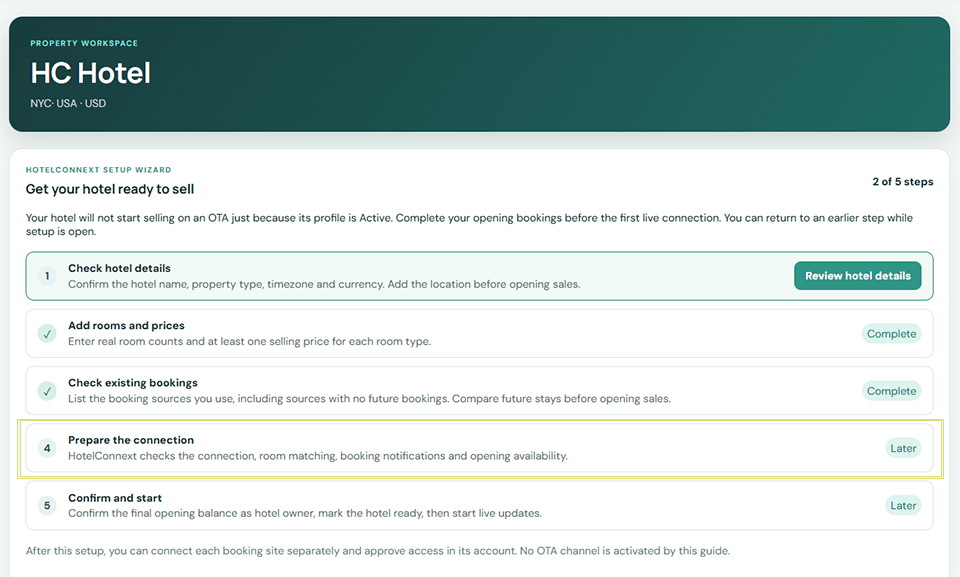
After hotel details, rooms, prices and existing bookings are complete, the Setup Wizard shows Prepare the connection. Follow its buttons in order: Connect this hotel securely, Prepare rooms and prices, Check the connection, Prepare booking notifications, and Send opening availability. The next available button changes as each check succeeds.
Step 2 — Send opening availability and continue #
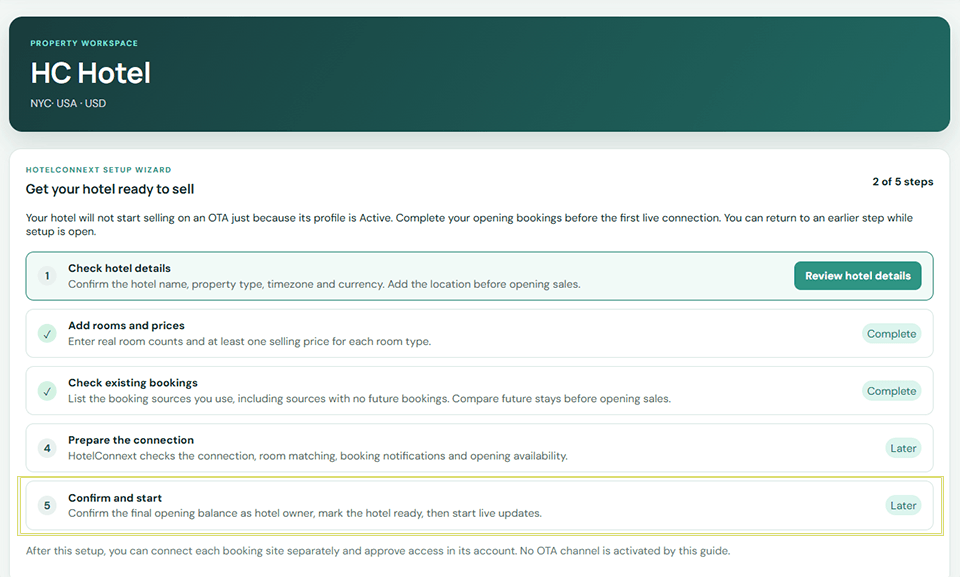
The availability update may continue in the background. Use Refresh update status when shown. The next wizard step is Confirm and start. Confirm the opening balance, then use Mark hotel ready and Start live updates. These actions prepare the hotel connection; each OTA channel is connected and activated separately.
If blocked: if the page says HotelConnext must configure the secure connection, contact support. Do not use a personal API key.


