
Where to find this
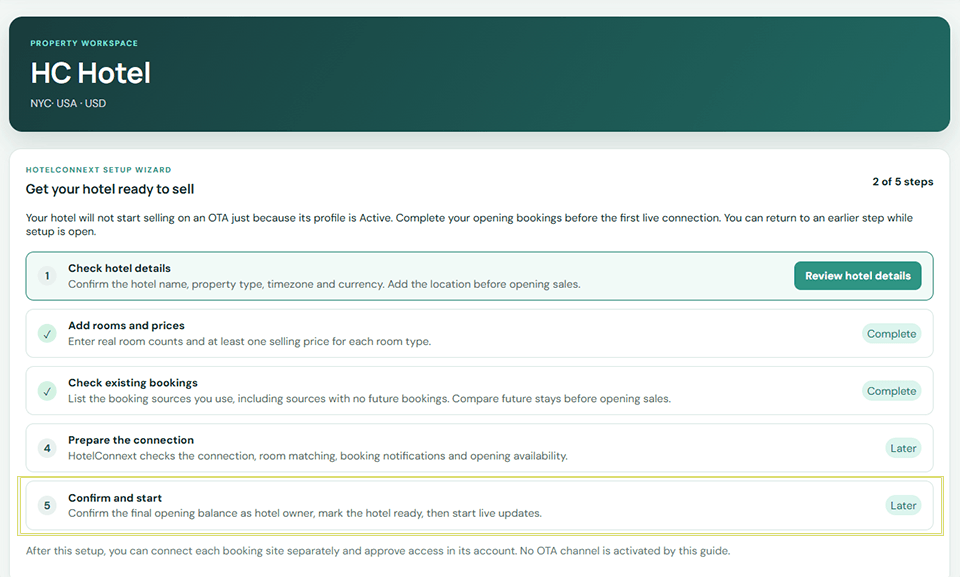
HotelConnext › Portfolio › Open your hotel › Setup Wizard › Prepare the connection
This message means the organization connection required for managed hotel setup is unavailable. The hotel owner cannot fix it by entering a personal Channex API key.
Step 1 — Check your subscription and setup progress #
Confirm that this hotel is linked to an active HotelConnext subscription and that the first three Setup Wizard steps are complete.
Step 2 — Send the error to support #
Send the hotel name and the exact error text to HotelConnext support.
Step 3 — Continue after the connection is ready #
When support confirms that the organization connection is available, refresh the Setup Wizard and use Connect this hotel securely.
Do not activate an OTA or repeat provisioning attempts while this message remains.


