
Where to find this
HotelConnext › Portfolio › Open your hotel › Opening inventory › Opening bookings already recorded
Use this when: a source confirms that a previously entered future booking changed or was cancelled, while opening changes are still available.
Step 1 — Find the original booking number #
Open Opening inventory → Opening bookings already recorded and search by the original source booking number.
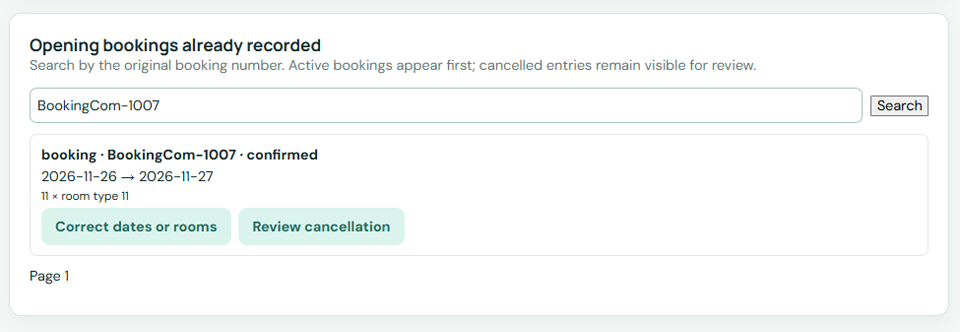
Step 2 — Choose correction or cancellation #
For a confirmed booking, choose Correct dates or rooms or Review cancellation.
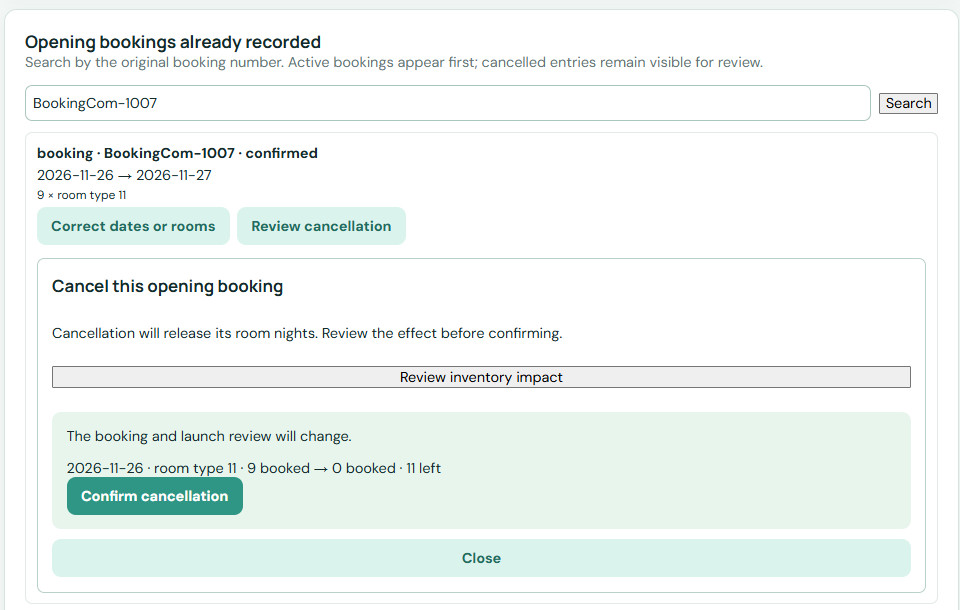
Step 3 — Preview the inventory impact #
Enter the corrected dates, room type and quantity if relevant. Preview the inventory impact and compare it to the source confirmation.
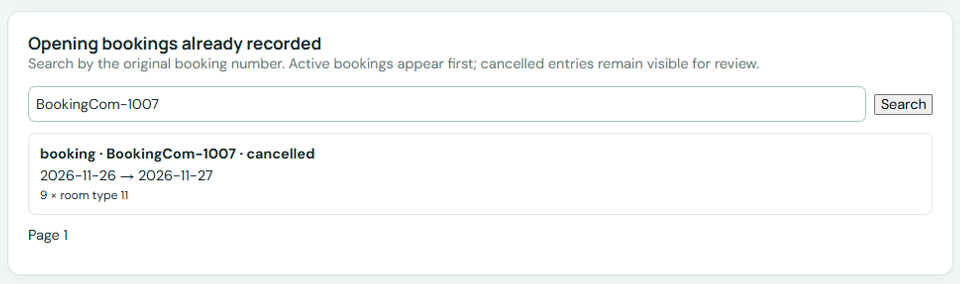
Step 4 — Save and review the source again #
Save the correction once. Review the affected room nights and repeat the source review before launch.
Check: the booking status and room-night balance match the source. Opening changes may be unavailable during a pending sync or after live activation; use the normal reservation workflow then.


