
Where to find this
HotelConnext › Portfolio › Open your hotel › Opening inventory › Compare bookings from a CSV
Before you start: export future bookings from one source and save a CSV copy. The current uploader accepts CSV, not XLS or XLSX. It accepts comma or semicolon separators. The file may use the source’s own column names.
Step 1 — Choose the source and upload its CSV #
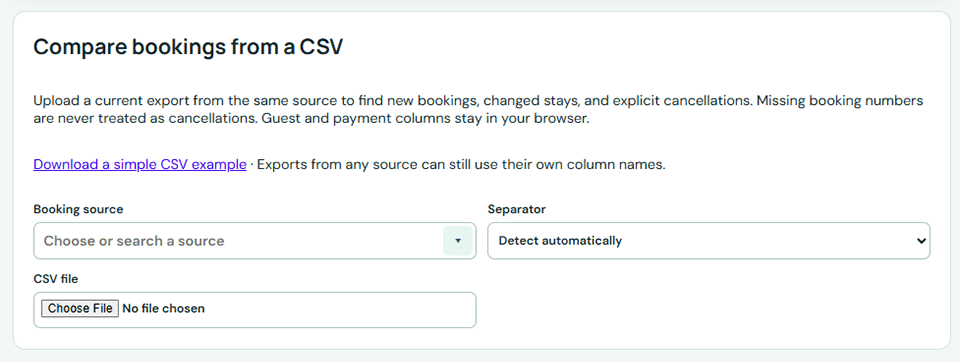
Open Opening inventory → Compare bookings from a CSV. Select the booking source and upload its CSV file. You can download the simple example on this page if you need a model.
Step 2 — Match the booking columns #
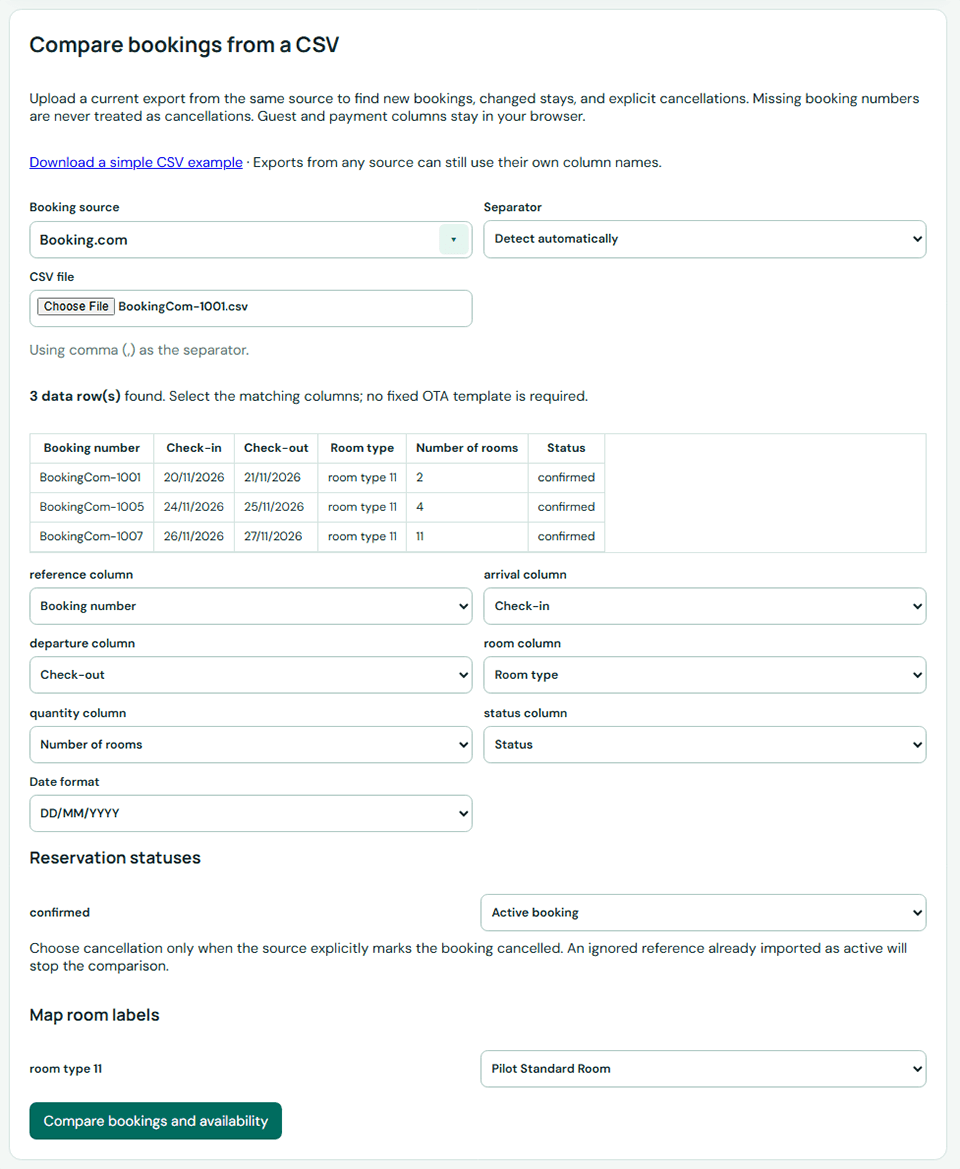
Check the detected separator and sample rows. Match the columns for booking number, check-in, check-out and room. Select quantity and status columns when the export contains them.
Step 3 — Check date formats and room names #
Choose the date format actually used in this file. Map each source room label to your HotelConnext room type.
Step 4 — Classify booking statuses #
If there is a status column, map each value to Active booking, Explicitly cancelled booking, or Exclude and review separately. Choose cancellation only when the source explicitly says cancelled.
Step 5 — Compare changes before confirming #
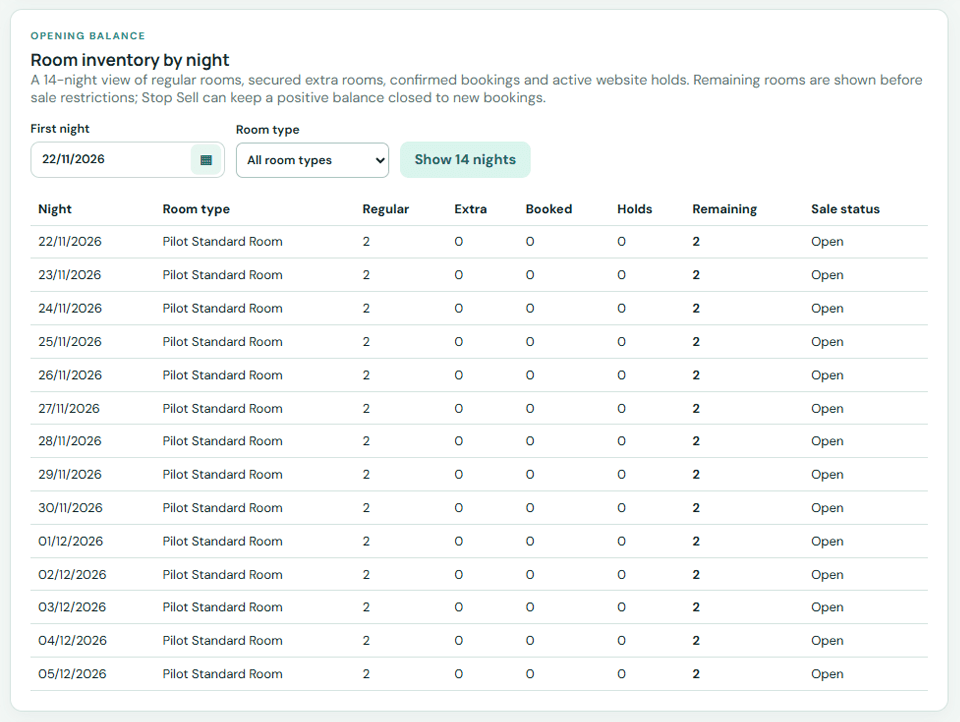
Click Compare bookings and availability. Review new, modified, cancelled and unchanged counts and the room-night impact. Confirm only after the proposed changes match the source.
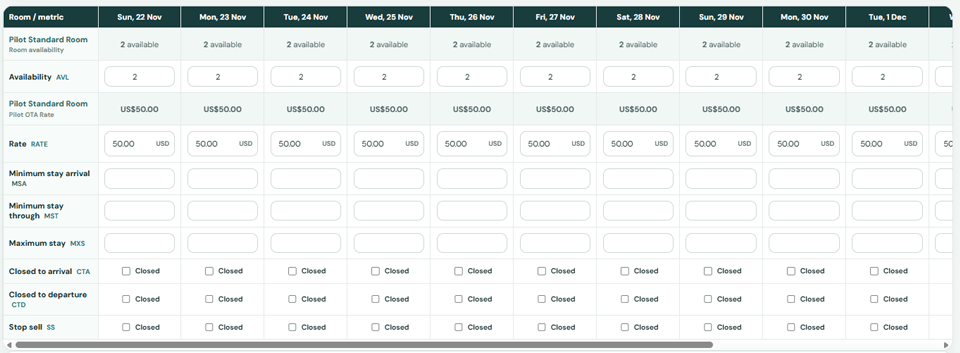
Important: a booking number missing from a later file is never treated as a cancellation. A cancellation for an unknown number creates a review exception and releases no room. Guest and payment columns stay in your browser during this comparison.


