
Where to find this
HotelConnext › Sign in › Security code
HotelConnext › Security › Authenticator and recovery codes
Step 1 — Sign in with a security code #
When the sign-in screen asks for a security code, enter the current six-digit code from your Authenticator app or one unused recovery code. Each recovery code works once.
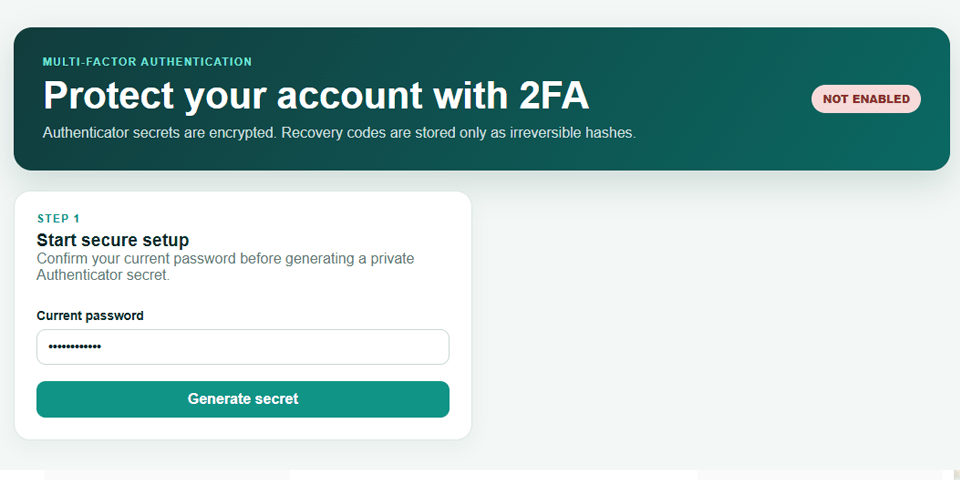
Step 2 — Set up an Authenticator #
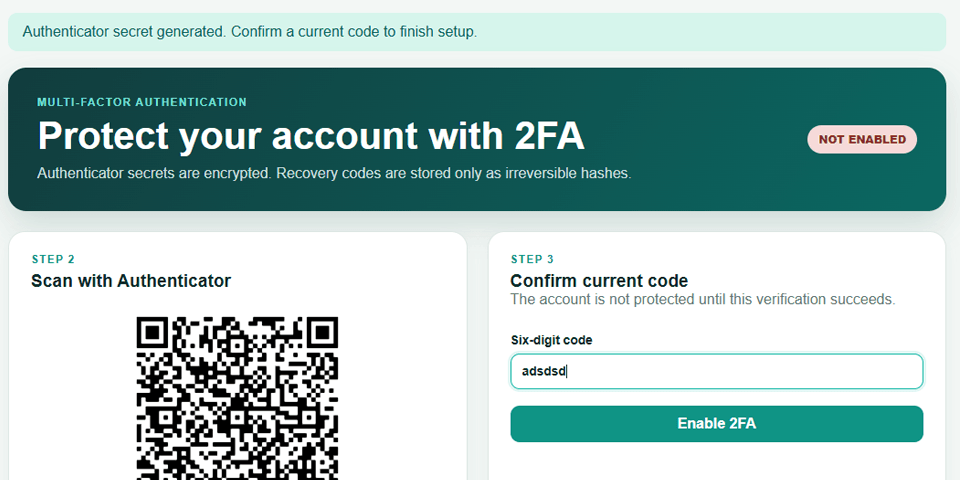
To set up protection while signed in, open Security, confirm your password, scan the QR code with an Authenticator app, then enter a six-digit code to enable 2FA. Save the recovery codes offline when they appear; they are shown once.
Step 3 — Replace recovery codes or request help #
To replace recovery codes while you still have access, open Security → Replace recovery codes and provide your password and current Authenticator code. If both the Authenticator and all recovery codes are lost, contact HotelConnext support for an identity-verified recovery process. Platform Admin accounts must keep 2FA enabled.


